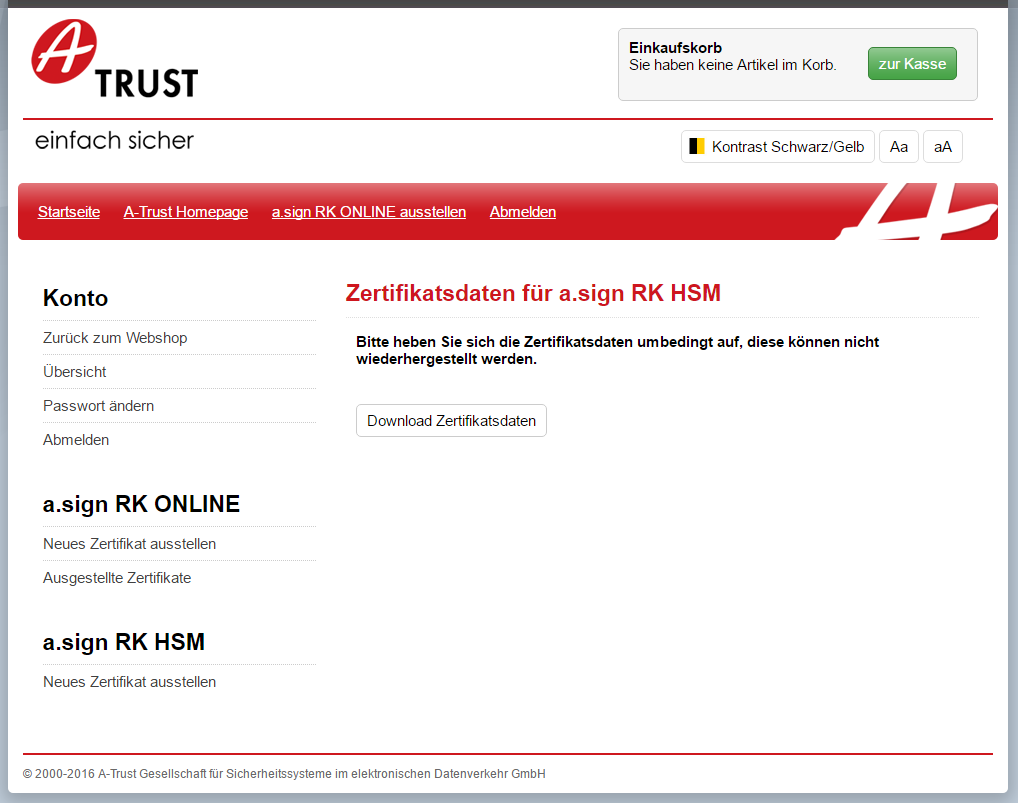
Import Certificate Data into a.sign RK HSM
Navigate to the a.sign RK HSM page and select the menu item Issue Certificate. This is shown marked in blue in the following screenshot.
On the next page choose the menu item Import. This is shown marked in blue in the following screenshot.
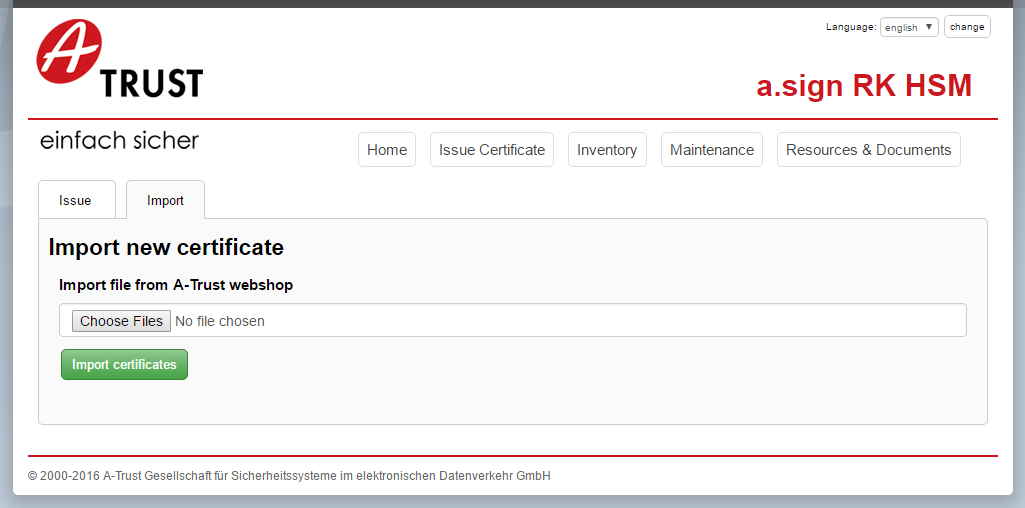
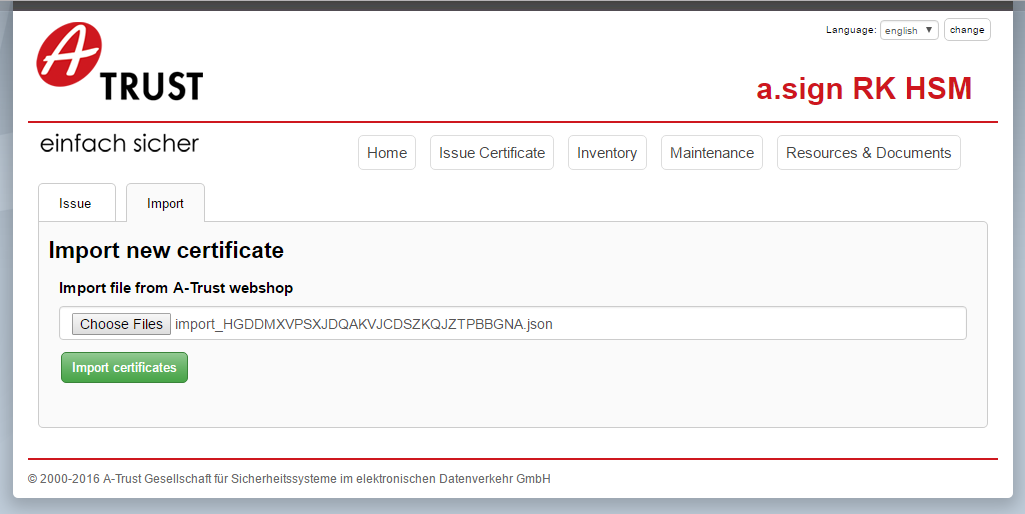
On the next page choose the certificate file you generated in section 2.2 and then click on the button Import certificates.
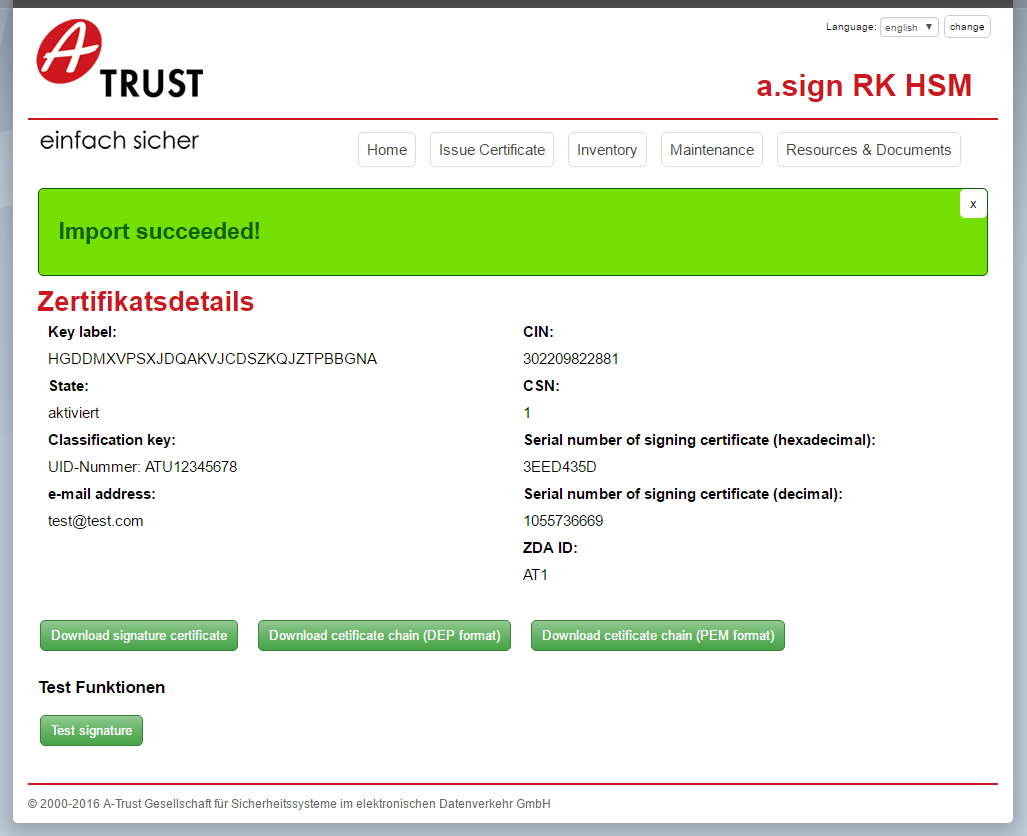
If the import is successful you will see the following screen. The certificate with the given keylabel is now operational.