Issuing a certificate in the A-Trust Webshop
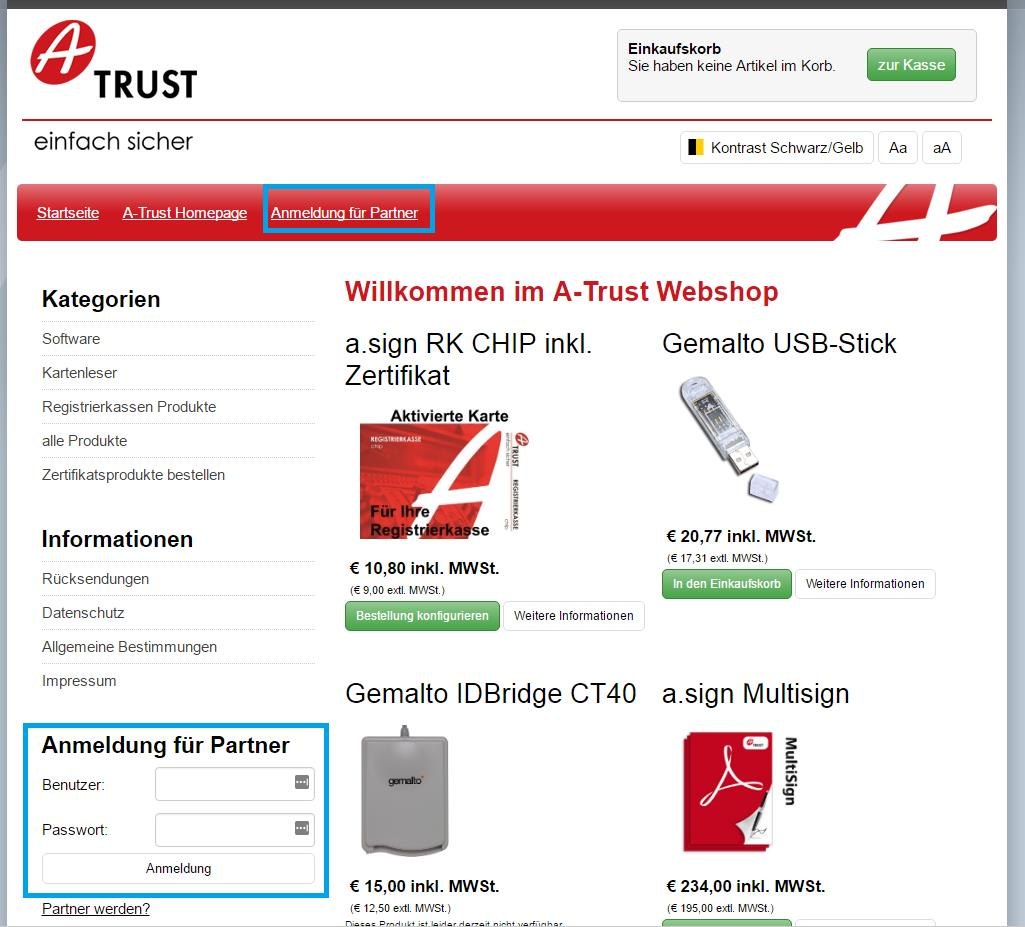
Use your login credentials to sign in to the A-Trust Webshop ( https://www.a-trust.at/shop). In the following screenshot the sign-in functions are marked in blue. You can use either of these to login.
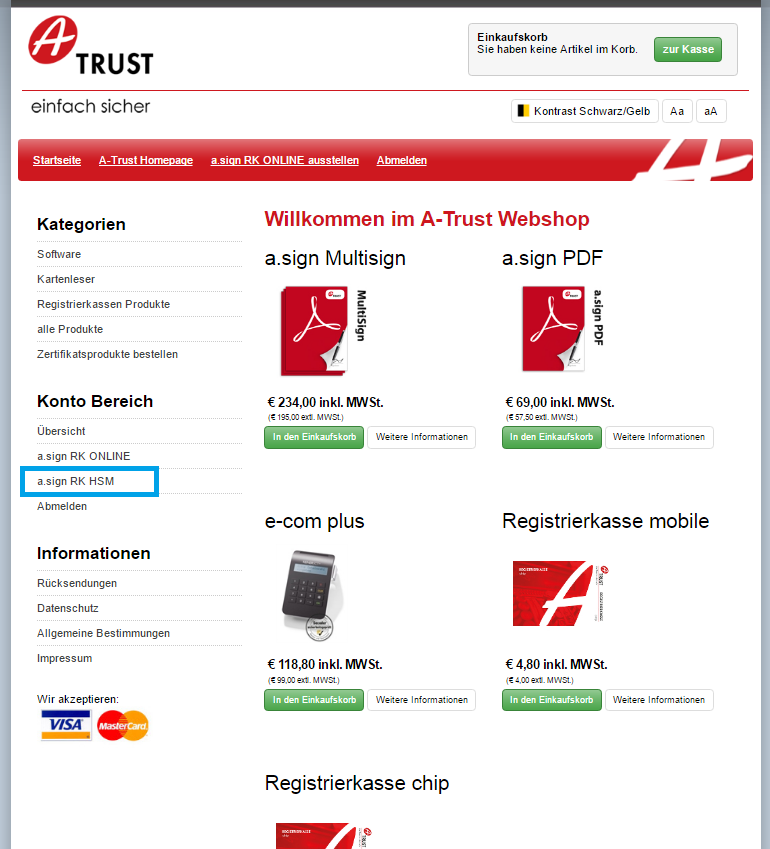
After successful login, the menu item a.sign RK HSM becomes visible (marked in blue in the screenshot) on the left-hand side under Konto Bereich. Select this menu item to start issuing a certificate.
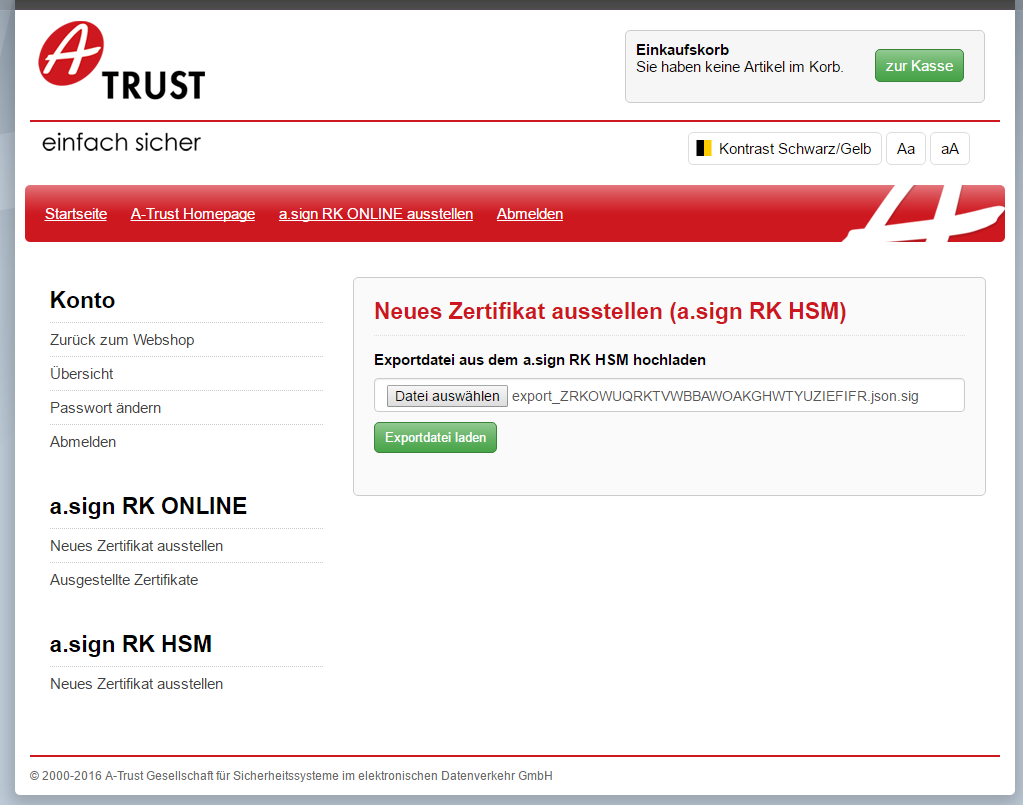
On the following page, choose the certificate request you created earlier and then click on the button Exportdatei laden.
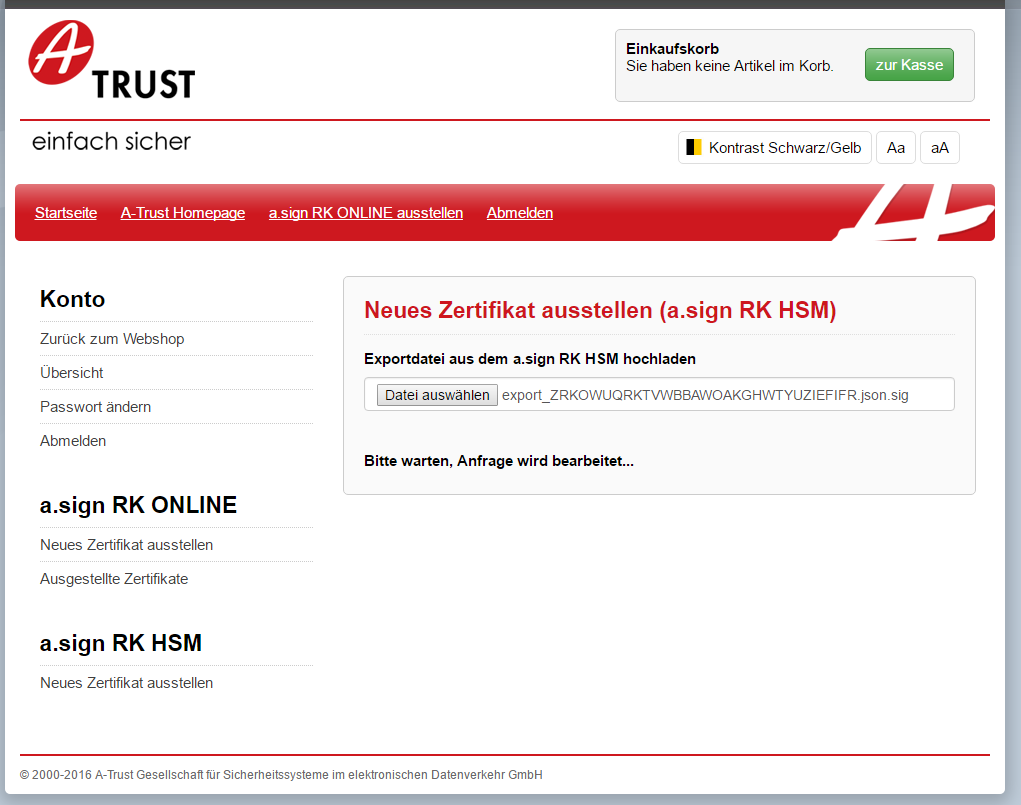
In place of the button, the text Bitte warten, Anfrage wird bearbeitet appears. A certificate is now generated. This can take a few seconds. After successful processing you are redirected to the next page automatically.
On the following page load the certificate data using the button Download Zertifikatsdaten. This data will be required in the next step where you load it into your HSM.